Leave a wireless mic in Split mode and the sound lands on a single channel, so the whole take plays in just one ear.
FixAudio fixes it. Drop in a video; it analyses the audio, works out which channel carries the mic, and exports a corrected copy.
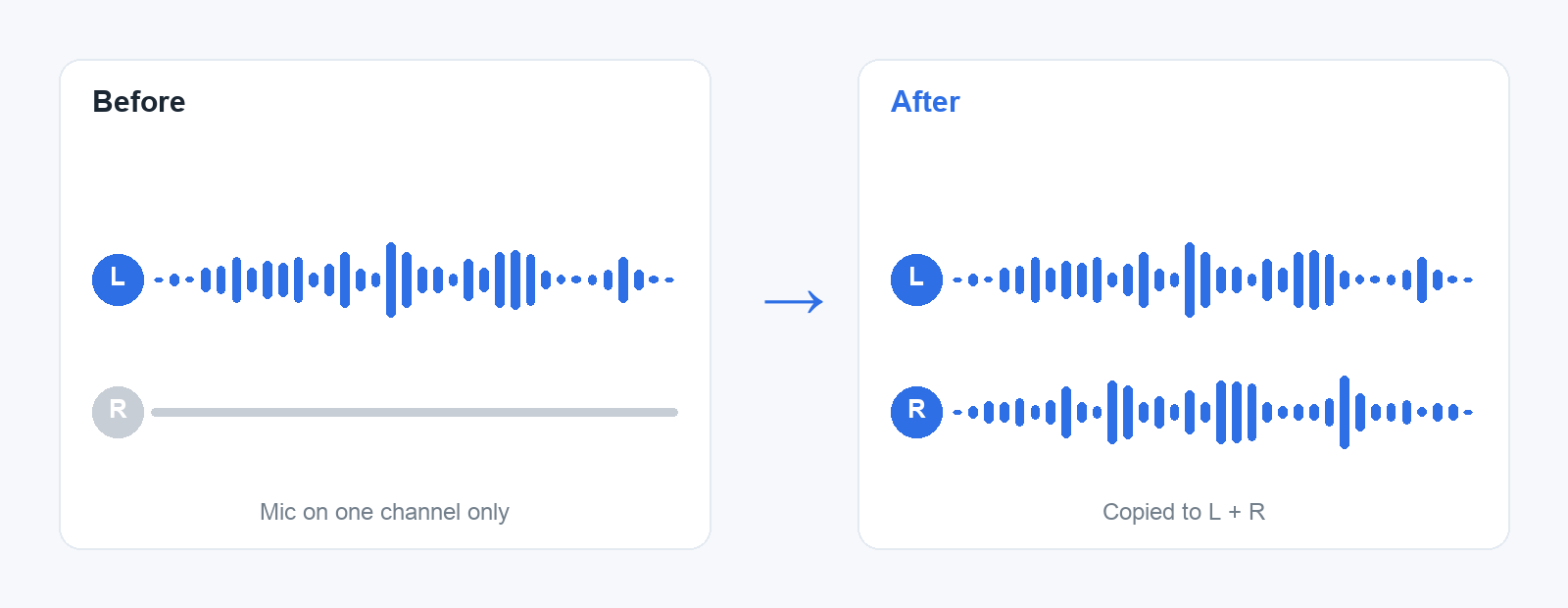
Two ways to fix it. Spread to L+R copies the live channel to both sides; reach for this one, since it reproduces what "Merged" mode would have recorded. Make Mono exports a single mono track from the live channel.
The video is copied losslessly; only the audio is re-encoded. FixAudio saves the result as <name>-fixed.<ext> next to the original and never touches your source file.
Drop a clip onto the window, onto the app icon, or right-click it in Finder and choose Open With → FixAudio. Requires macOS 13 or later.